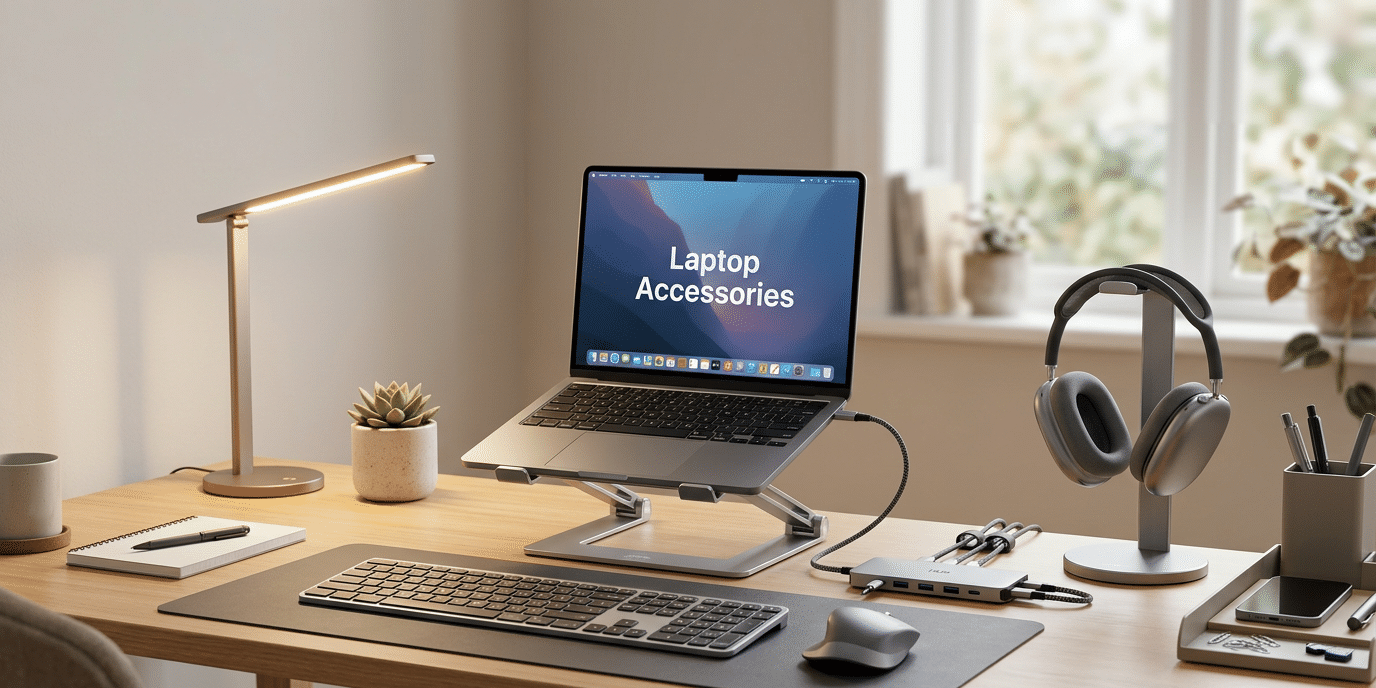
Working from home has become common for many people. A laptop is useful for work, but using it alone may not always be comfortable. You may need to bend your neck, deal with too many cables or struggle with a small keyboard.
The right accessories can make your workspace more comfortable, organised and useful. They can also help you work more easily and save time.
In this blog, we will look at the 7 best laptop accessories for 2026. These products can help you build a better home office without making your desk look crowded.
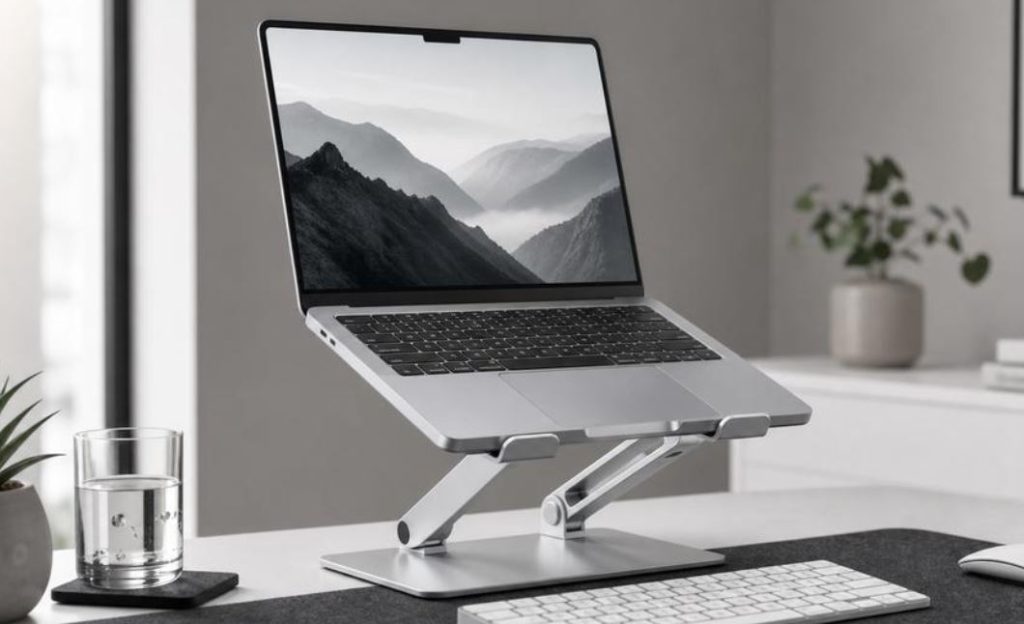
1. Laptop Stand – Improve Your Sitting Position
A laptop stand is one of the most useful items for a home office. It raises your laptop screen closer to eye level, so you do not have to look down all the time.
Most laptop stands allow you to change the height and angle. Some are foldable, making them easy to carry when travelling.
Key features:
- Raises your laptop screen to a better height.
- Helps you maintain a more comfortable sitting position.
- Saves desk space.
- Improves airflow around your laptop.
- Available in metal, plastic and adjustable designs.
Best for: People who work on laptops for several hours every day.
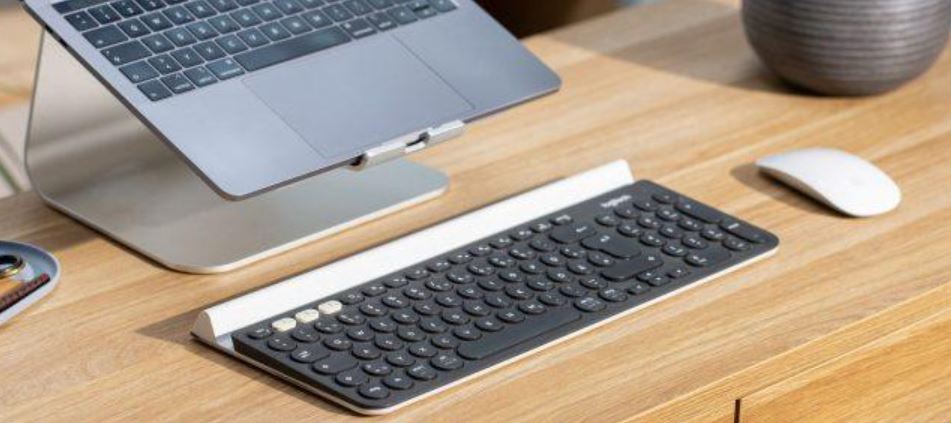
2. Wireless Keyboard – Type More Comfortably
A wireless keyboard makes typing easier and gives you more freedom when setting up your desk. Instead of using your laptop keyboard, you can place an external keyboard at a comfortable distance. Most wireless keyboards connect through Bluetooth or a small USB receiver.
Key features:
- No long cables across your desk.
- Easy Bluetooth connection on supported devices.
- Comfortable typing experience.
- Some models have quiet keys.
- Compact options are available for small desks.
Best for: Writers, students, office workers and people who type for long hours.
Also Read – 7 Best Free AI Video Generators in 2026 With Daily Free Credits
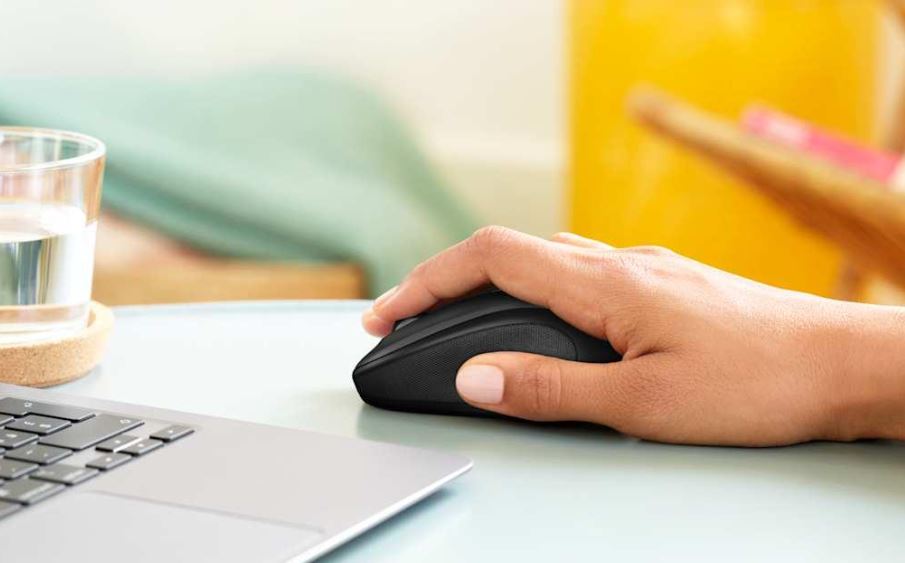
3. Wireless Mouse – Make Your Work Easier
Using a laptop touchpad for the whole day can feel uncomfortable. A wireless mouse gives you better control when browsing websites, editing documents or working with spreadsheets. You can choose a normal mouse or an ergonomic design that fits your hand.
Key features:
- Easy movement and control.
- Bluetooth or USB receiver connection.
- Portable and lightweight.
- Some models offer adjustable speed.
- Ergonomic designs can provide better hand support.
Best for: Office workers, designers and people who use a laptop daily.
4. USB-C Hub – Connect More Devices
Modern laptops often have fewer ports. This can make it difficult to connect a monitor, USB drive, mouse or other devices. A USB-C hub solves this problem by adding extra ports through one connection.
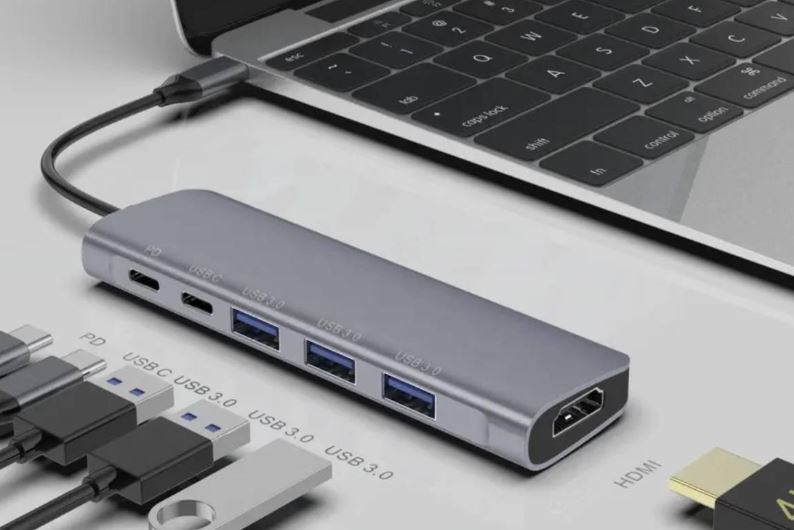
Key features:
- Adds extra USB ports.
- Some models include HDMI for external monitors.
- Some offer SD card and microSD card slots.
- Can support charging through USB-C power delivery.
- Helps reduce the need for several separate adapters.
Best for: People who connect multiple devices to their laptops.
Buying tip: Check that the hub supports your laptop’s USB-C features. Not every USB-C port supports video output or charging.
5. Headphones – Focus on Your Work
Headphones are useful when you work in a busy home. They can help you focus, attend online meetings and listen to training videos without disturbing others. You can choose wired or wireless headphones. Some models also include noise-cancelling features.
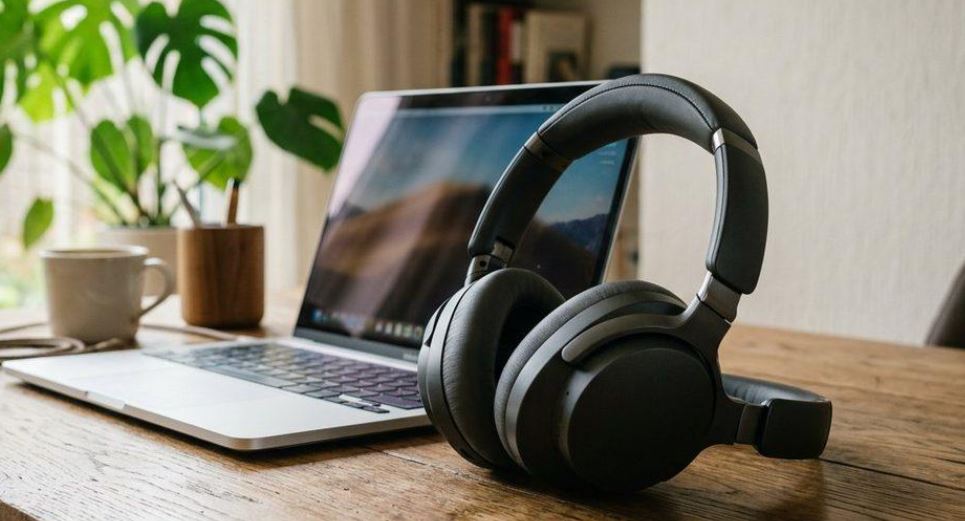
Key features:
- Clear sound for online meetings.
- Comfortable ear cushions.
- Built-in microphone on many models.
- Wireless Bluetooth connection on supported devices.
- Noise cancellation on selected models.
Best for: Remote workers, online teachers and people who attend video meetings.
6. Laptop Light – Improve Your Desk Lighting
Good lighting is important when working from home. A desk lamp can help you see your keyboard, notebook and other items more clearly. An adjustable LED lamp is a useful choice because you can move it to direct light where you need it.
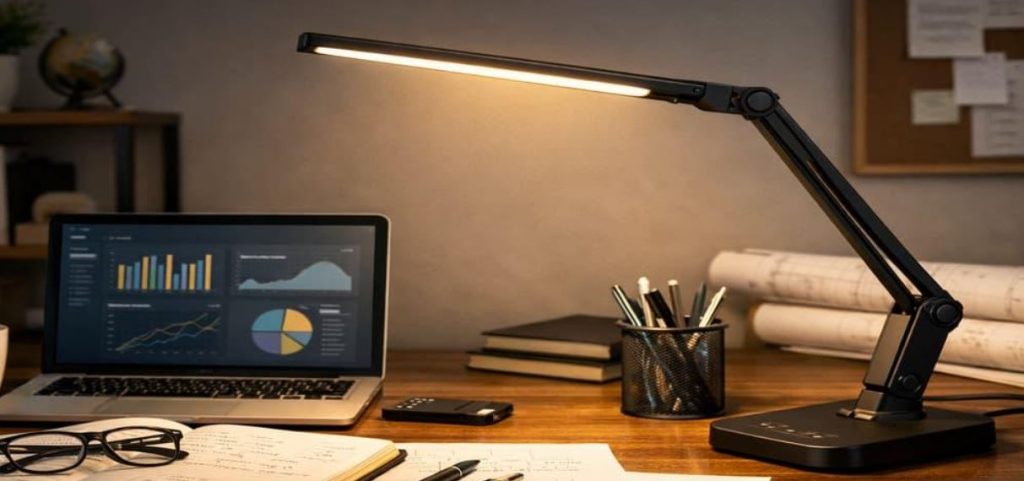
Key features:
- Adjustable brightness.
- Different light settings on some models.
- Flexible lamp head.
- Energy-saving LED technology.
- Useful for evening work and reading.
Best for: People who work in the evening or have a dark desk area.
7. Desk Accessories – Keep Your Workspace Organised
A clean desk can make your home office easier to use. Small accessories can help you organise your workspace and keep important items nearby.
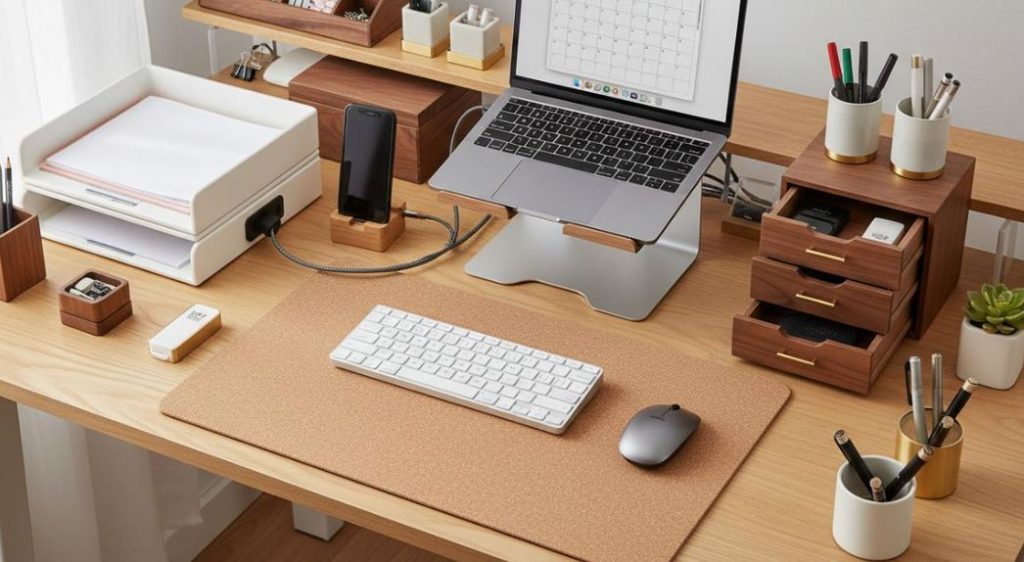
Some useful options include:
- Desk organiser: Keeps pens, notebooks and small items together.
- Cable clips: Help keep charging and USB cables organised.
- Mouse pad: Gives your mouse a smooth surface.
- Laptop cleaning kit: Helps remove dust and fingerprints.
- Desk mat: Protects your desk and creates a neat workspace.
Best for: Anyone who wants a tidy and organised laptop desk setup.
What to Consider Before Buying Laptop Accessories
Before buying the best laptop accessories, think about your work needs and budget. Not every accessory is useful for everyone.
Here are some important things to check:
- Laptop compatibility: Make sure the accessory works with your laptop brand and model.
- Price: Compare different products and choose one that offers good value.
- Build quality: Look for strong materials that can last longer.
- Comfort: Choose accessories that make your daily work easier.
- Desk space: If you have a small desk, choose compact and foldable products.
- Customer reviews: Read reviews from other buyers before making a decision.
- Warranty: Check whether the product comes with a warranty or return option.
A good home office does not need expensive equipment. Small changes can make a big difference to your daily work. A laptop stand, wireless keyboard and wireless mouse are great starting points. You can also add a USB-C hub, headphones, a desk lamp and organisers to improve your workspace.
The best laptop accessories are the ones that match your needs, budget and working style. Choose carefully and create a comfortable laptop desk setup for 2026.
Also Read – Apple’s Big November 6 Launch: 5 New Products You Won’t Want to Miss!